Blog · 2026-10-21
Should You Fix Your Website or Start Over?
By Kyle Knapp · Website design & development
You know your website needs attention. Maybe it loads slowly, images don’t appear correctly, or something that works on a desktop falls apart on a phone. The harder question is whether those problems need a few repairs or a fresh start.
At WhizCom, we start by looking at what’s broken, how the website was built, and what it would take to get it working properly. A rebuild should have a reason behind it.
Start with what isn’t working
When I review an existing website, I look for loading errors, oversized images, broken features, and anything that makes the site difficult to use.
Those symptoms help identify the next step. An image that’s too large may be a straightforward fix. A layout that consistently breaks across devices can point to a deeper problem.
The distinction matters: isolated issues can often be repaired. When the problems run through the website’s structure, rebuilding becomes a more serious consideration.
Compare website repairs with a full rebuild
One of my biggest considerations is how efficiently we can get the website into good shape. Would targeted fixes resolve the problems, or would we spend more time working around the existing setup than recreating it properly?
I also look at the website’s history and foundation:
- When was it last rebuilt or substantially updated?
- What platform was it built on?
- What does the hosting and server setup look like?
- Does the existing structure support what the business needs now?
Age alone doesn’t make a website obsolete. But understanding those pieces helps determine whether it makes sense to improve the current site or modernize its foundation.
A rebuild should have a reason behind it.
Mobile usability belongs at the beginning
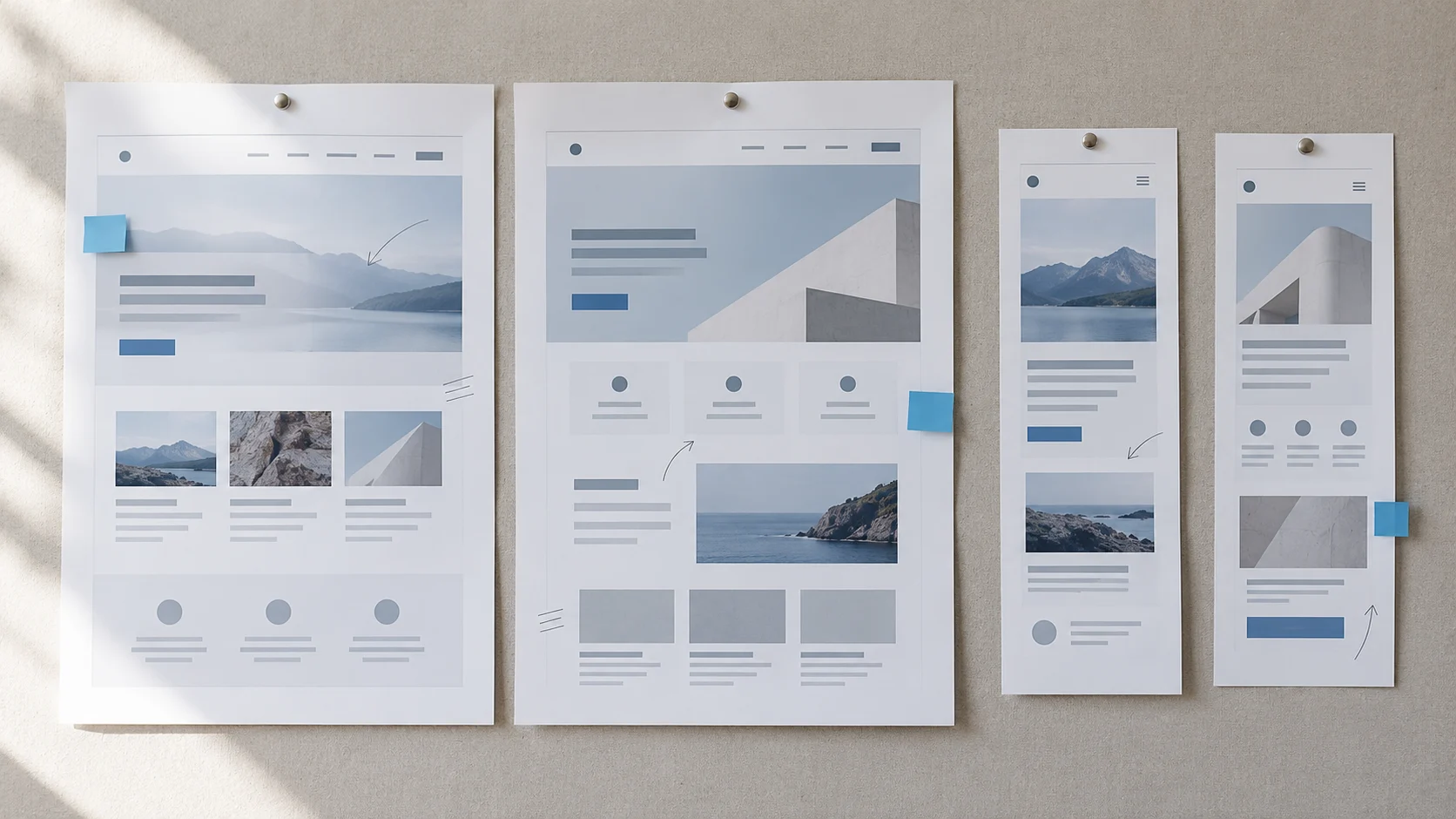
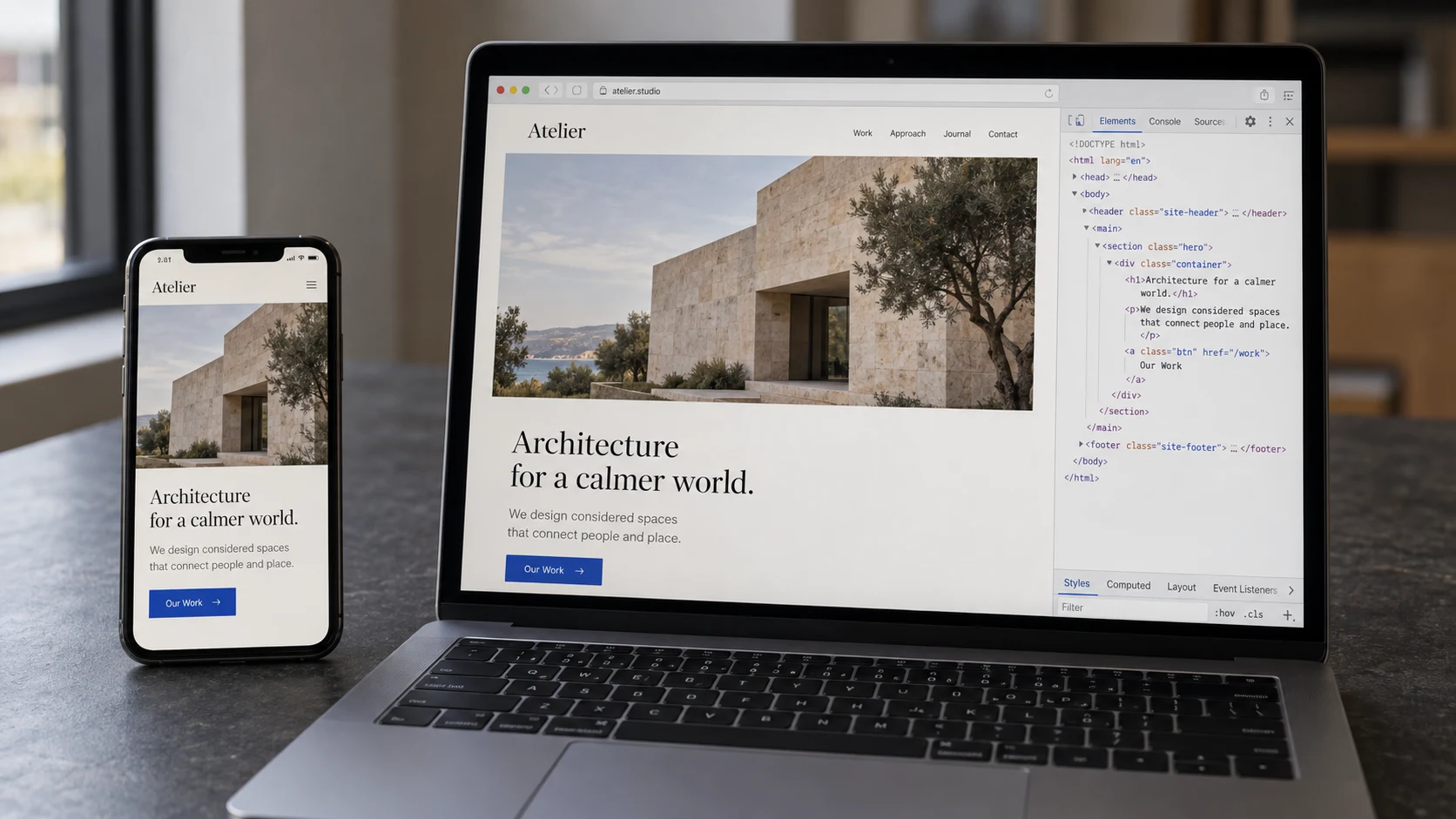
I treat mobile usability as a starting point for web design. A website needs to work for someone visiting on their phone, not just someone looking at it on a large monitor.
That means checking more than whether the page fits a smaller screen. Can visitors read the content comfortably? Navigate without struggling? Tap a button and complete a form? Do images load without making them wait?
If those everyday actions are frustrating, the website needs attention, even if the desktop version looks polished. Mobile should shape decisions throughout the project, rather than becoming a final adjustment before launch.
A new website isn’t an automatic SEO breakthrough
One misconception I encounter is that receiving a finished website means the business will immediately rank higher and attract more visitors. A better website can provide a stronger foundation, but launch day doesn’t finish the work.
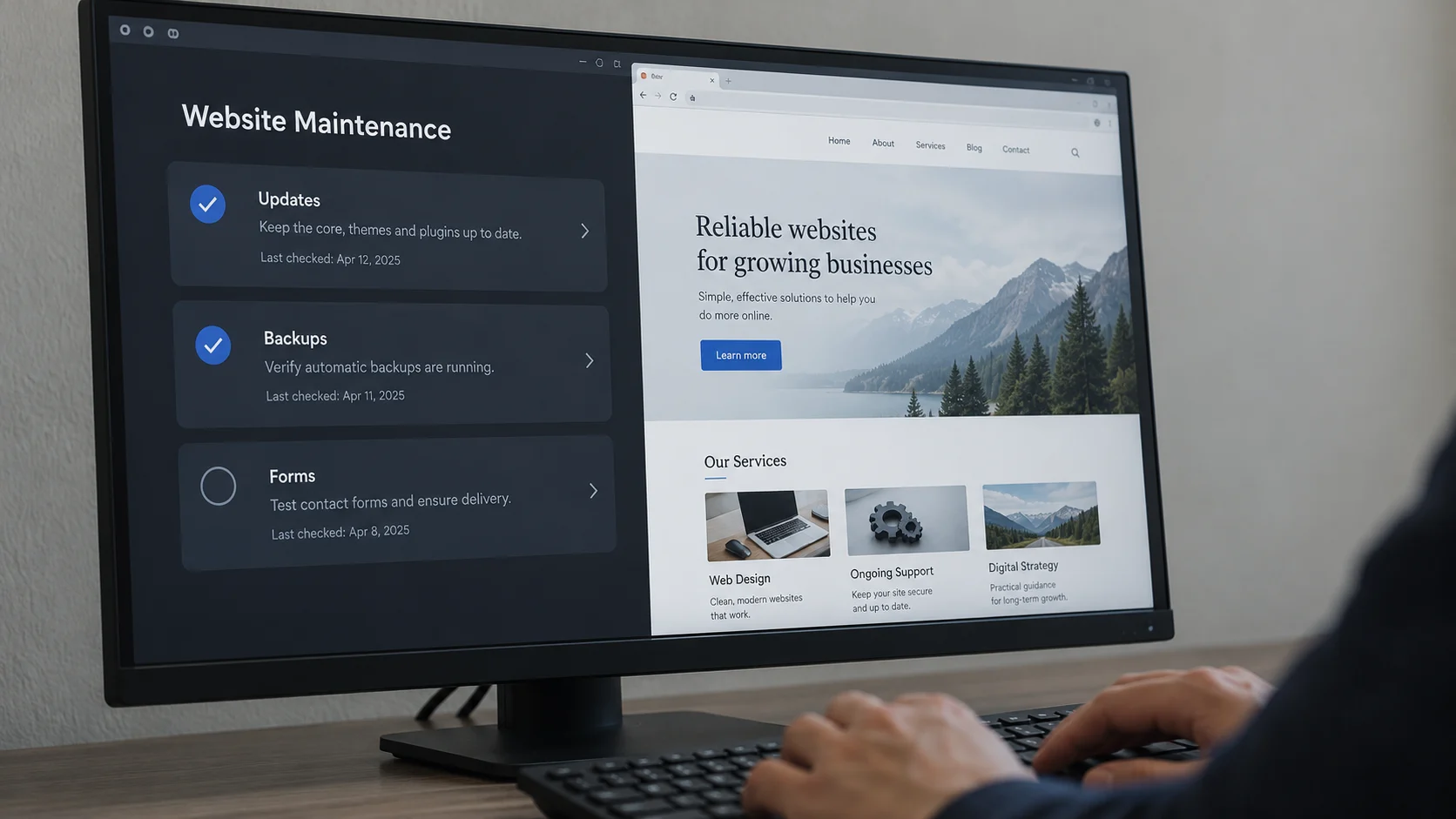
Keeping the website useful means maintaining its functionality, updating information as the business changes, and adding content that answers customers’ questions. That might mean explaining a service more clearly, sharing relevant work, or addressing a question clients regularly ask.
The point isn’t to change things just to make the site look active. It’s to keep giving people accurate, useful reasons to visit—and a clear next step when they arrive. Our guide to what website maintenance includes explains how to plan that ongoing care.
Don’t let the last project stop the next improvement
For some business owners, the biggest obstacle is remembering how difficult the original website project felt. If that process was daunting, even asking about changes can feel like committing to doing it all again.
But an initial conversation doesn’t have to lead to a complete rebuild. It can start with a simpler question: What isn’t working, and what would it take to improve it?
Sometimes the answer is a focused set of repairs. Sometimes a fresh foundation makes more sense. Getting clarity is the first step, and it’s often easier than owners expect.
Find out what your website actually needs
You don’t need to diagnose the problem before reaching out. Start with what you’ve noticed: slow pages, frustrating mobile navigation, outdated information, or features that no longer work.
We can help you understand what’s worth keeping, what needs attention, and whether a repair or rebuild is the right next move. Explore our website design, development and maintenance services or tell us what isn’t working.
If a rebuild is the right fit, our website redesign planning checklist covers what to preserve before you begin.